Catch it before it goes.
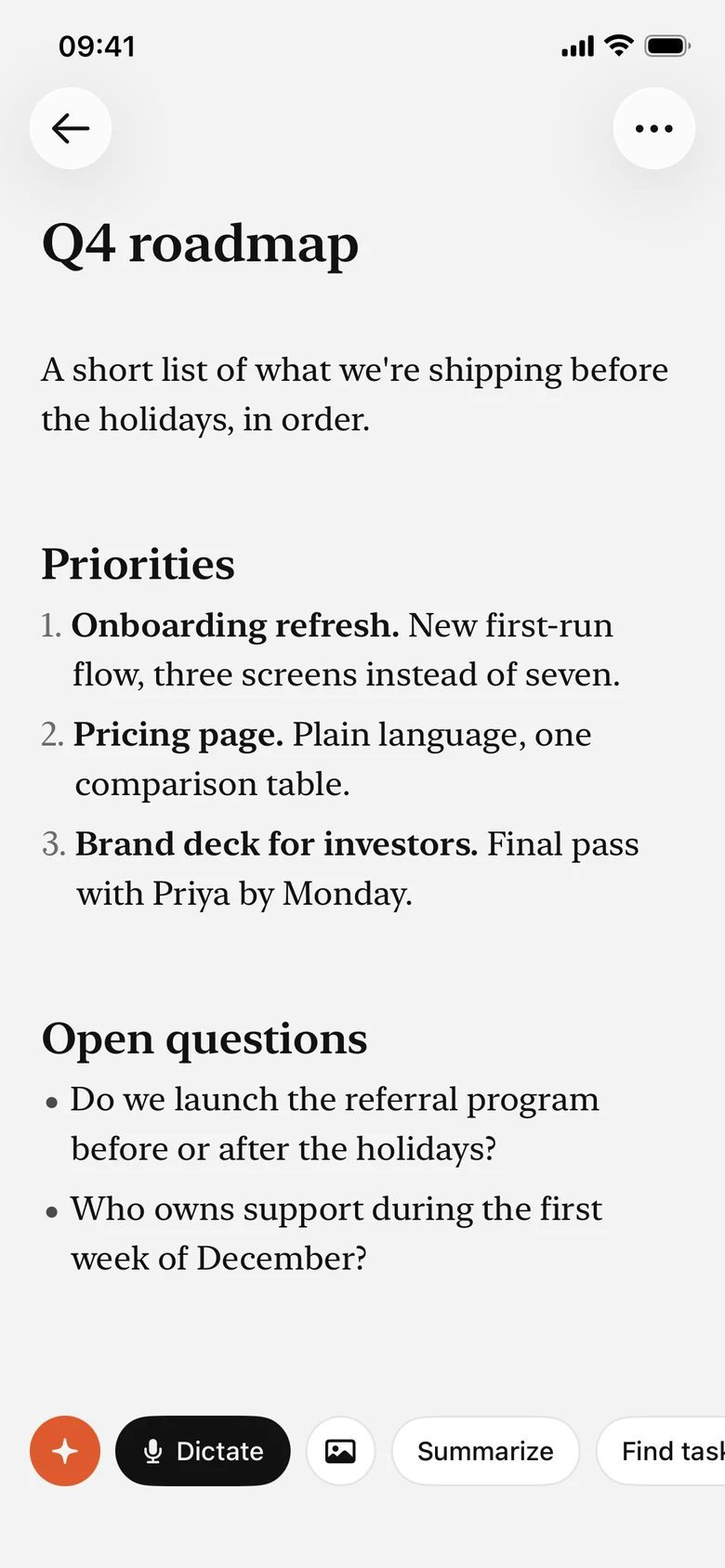
Write, dictate, or save a voice note. Your next idea already has a home.

Notes, plans, and a little AI. Space for your whole day.
Catch the thought. Find the time.
Keep what matters close.
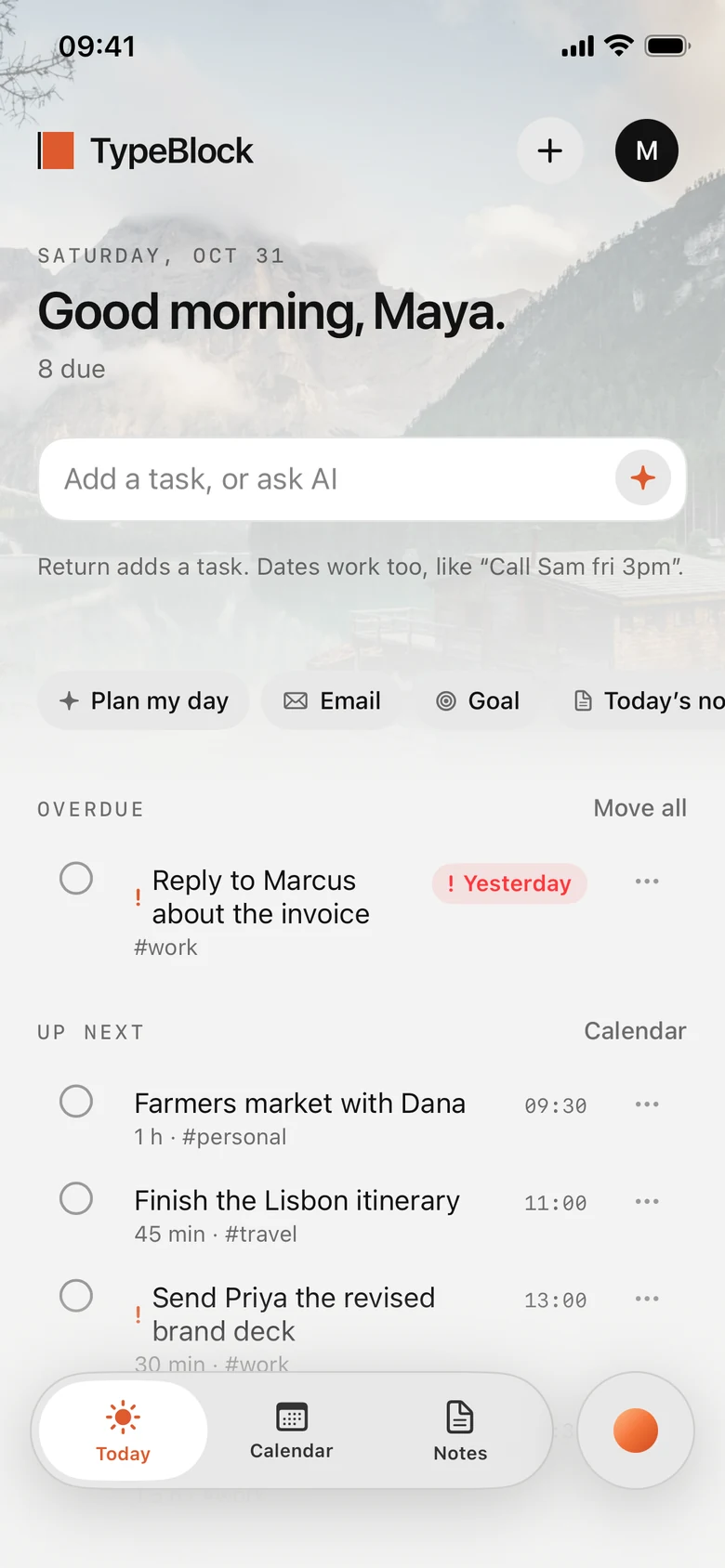
Your tasks and your day in one place, with a quiet view behind them.
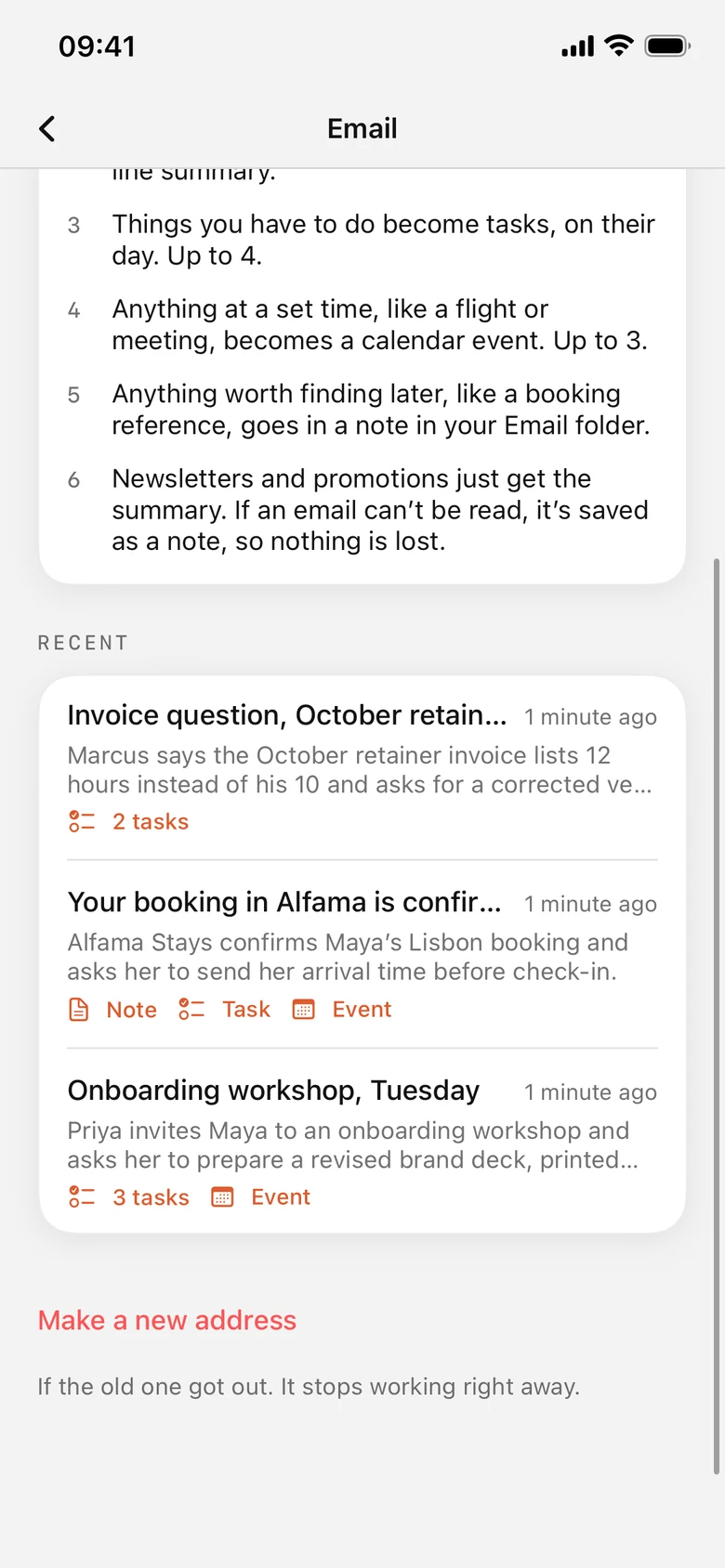
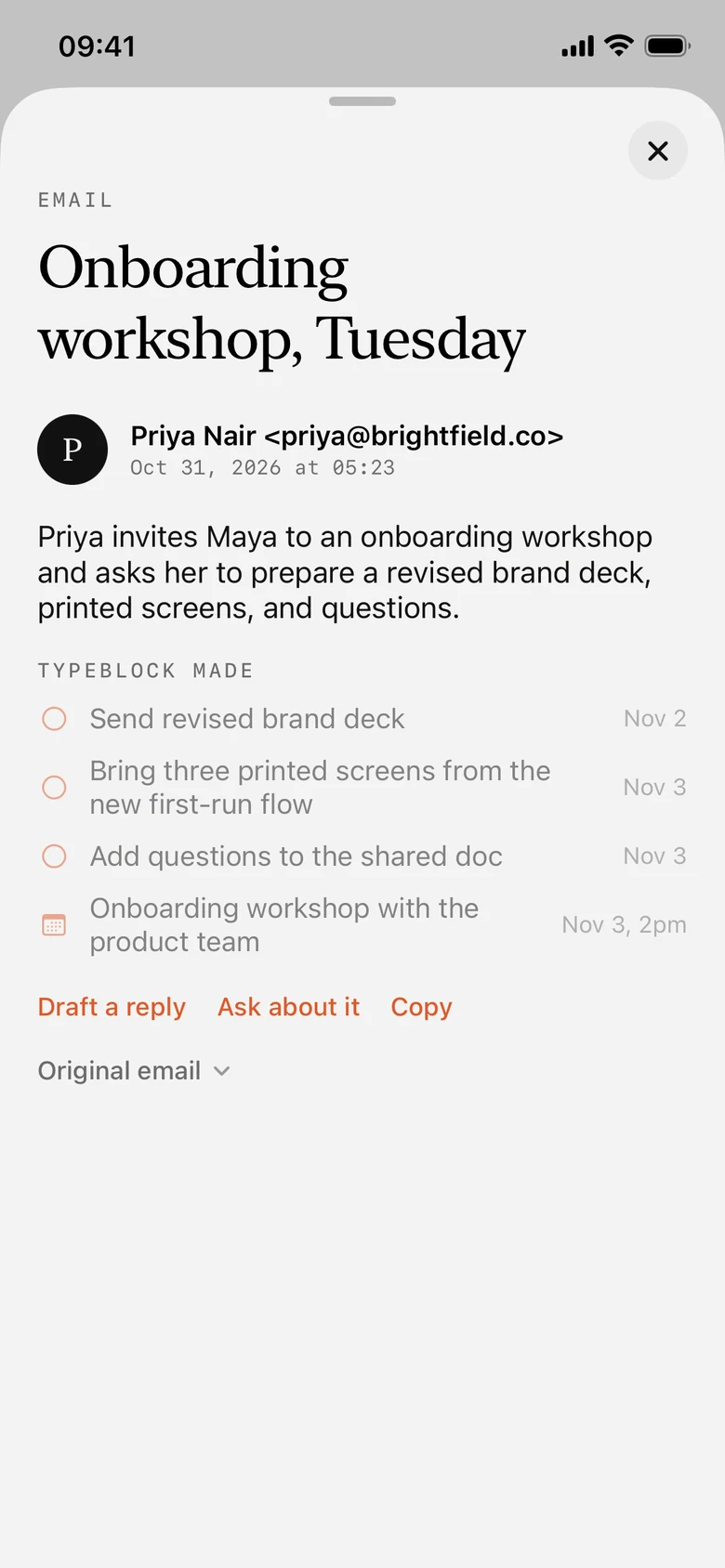
Screenshots from the iPhone app. The whole page follows.Every Typeblock account gets a private address. Forward or CC any email to it, and Typeblock AI sorts it out for you.
Newsletters and promotions just get the summary, so your day stays quiet.
Big ideas. Small reminders.
Everything between.
Write, dictate, or save a voice note. Your next idea already has a home.
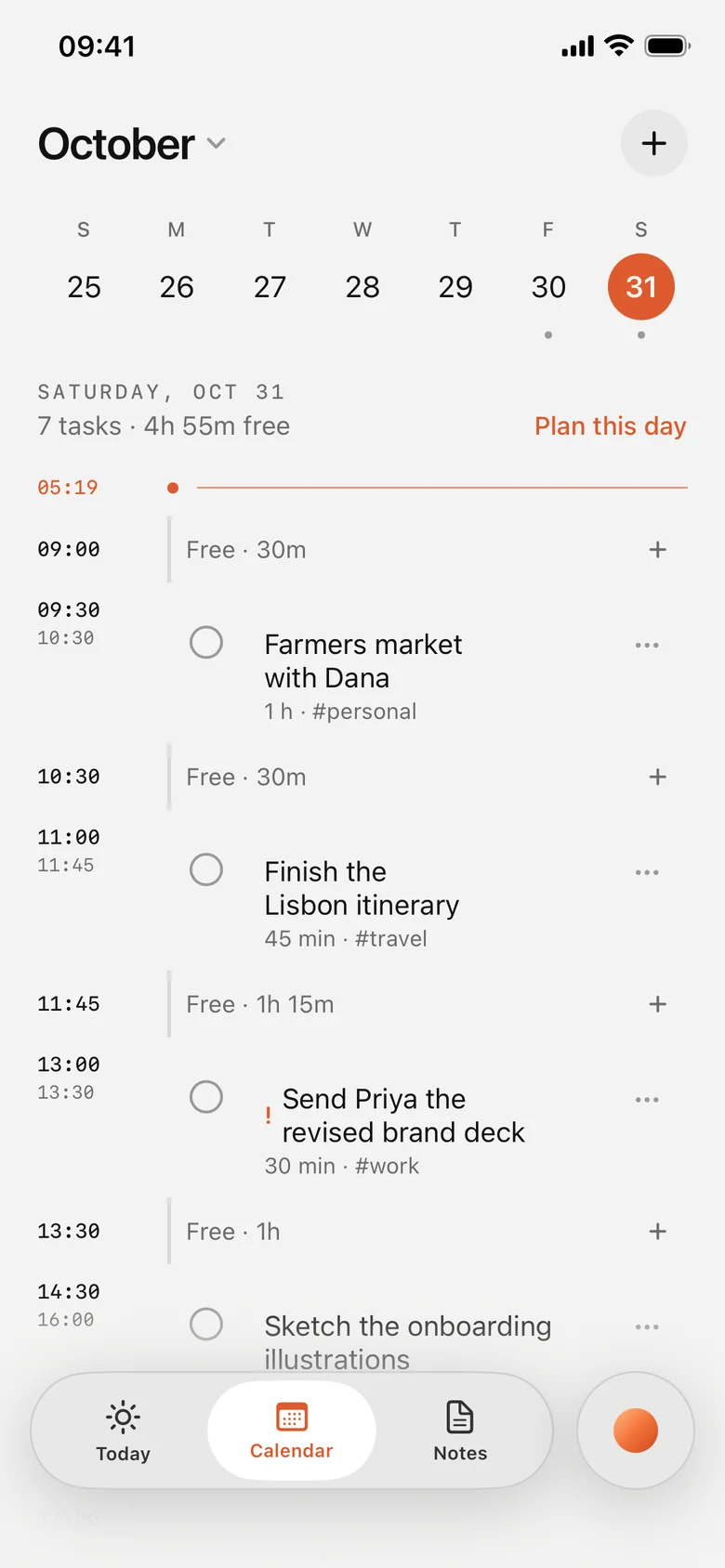
Bring tasks, calendars, and time blocks into one view of your day.
Typeblock AI connects your notes, remembers your context, and helps you find your next step.

Your day, with a view.
The extras that come with Pro.
Always in your control.
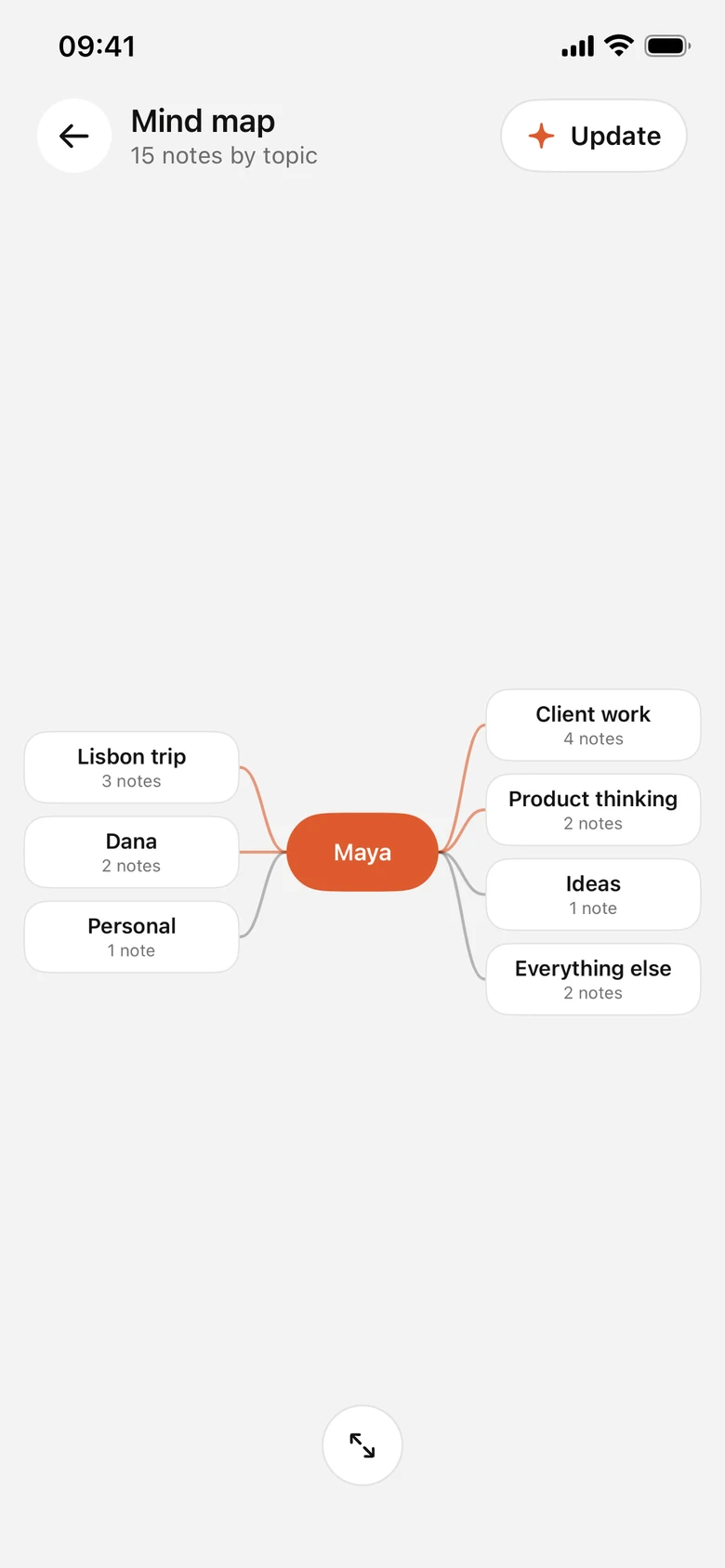
A mind map groups your notes by topic, so the shape of your thinking is easy to see.
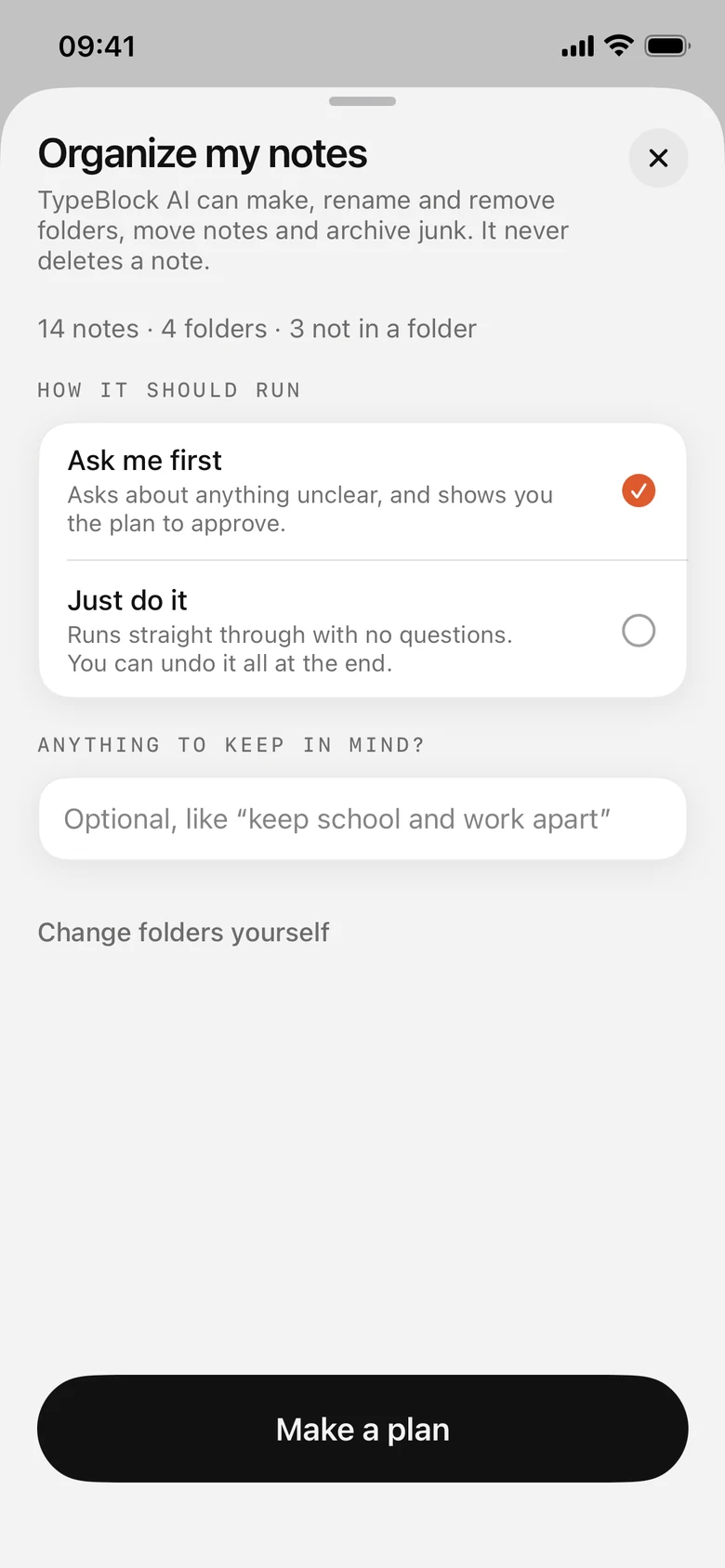
Typeblock AI shows its plan for your folders first. It never deletes a note.
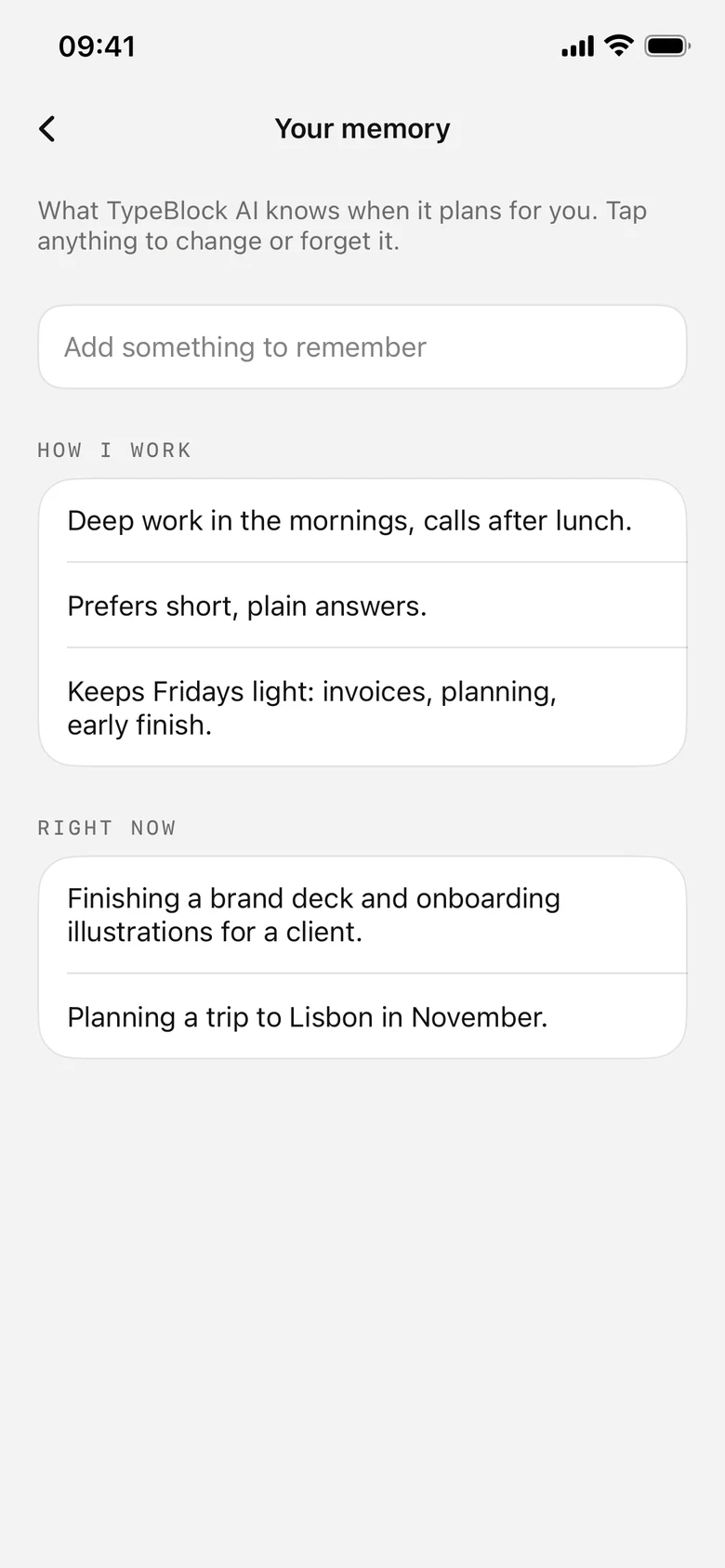
Your preferences and what you’re up to right now. Change or forget anything.
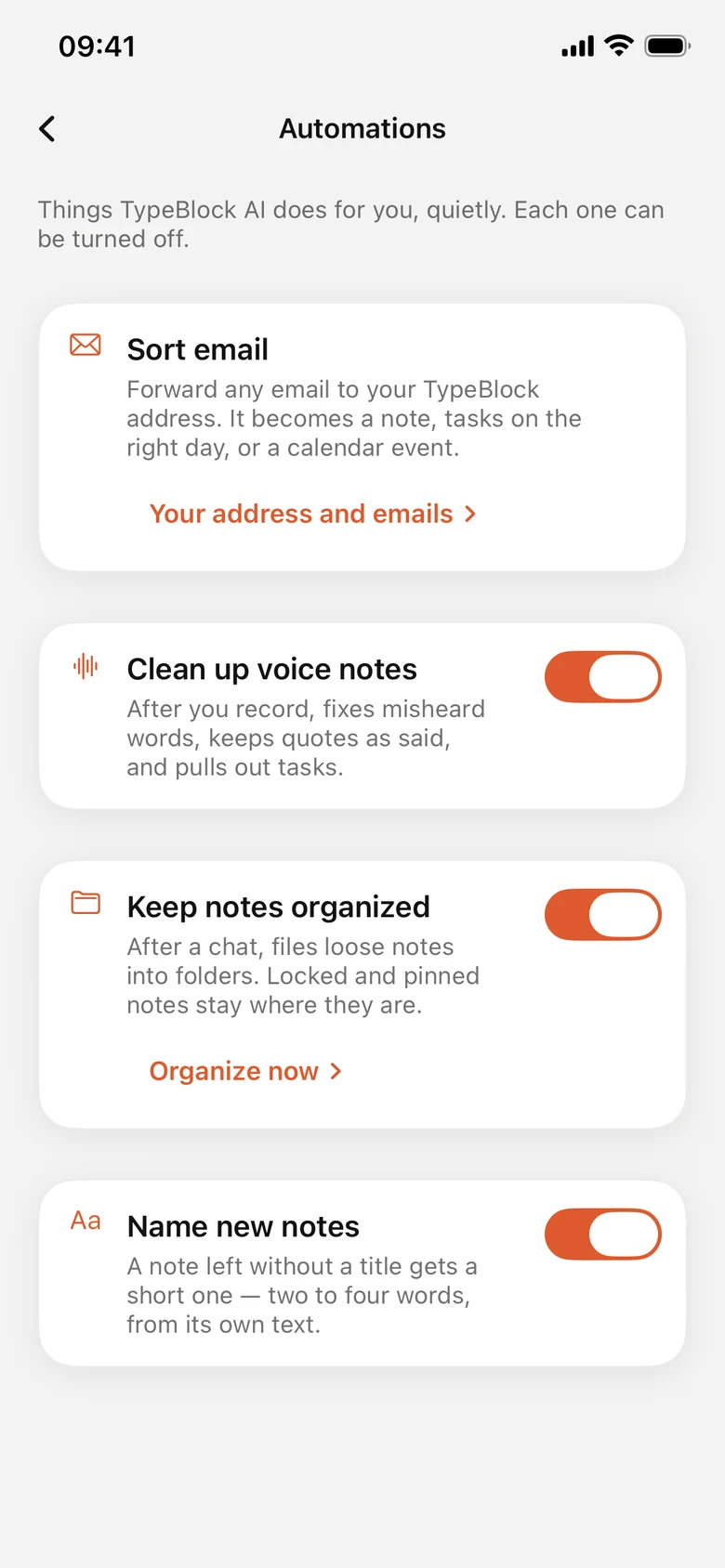
Voice notes cleaned up, new notes named, loose notes filed. Each one can be switched off.
Connect Claude, ChatGPT, Gemini, or Cursor to your Typeblock notes through MCP. Keep the context. Keep the conversation going.
Start free. Find the plan that feels like you.
Room to think.
Notes, everywhere.
Your AI companion.
USD. Local App Store pricing may vary.
Yes. Free includes unlimited notes and folders, your calendar and time blocks, reminders, widgets, templates, and locked notes on one device. AI and device sync are available with paid plans.
Plus adds sync across your devices and connections to AI apps through MCP. Pro also includes Typeblock AI, voice capture, day planning, memory, mind maps, and automations.
Yes. With Plus or Pro, connect a compatible assistant such as Claude, ChatGPT, Gemini, or Cursor through MCP. You can review changes those apps make in Typeblock.
Yes. You can write notes, organize folders, and plan your day with Free. AI is there when you choose a plan that includes it.